TikTok, Instagram or YouTube Lagging? The Truth About Your Connection.
Reading time: 4 min
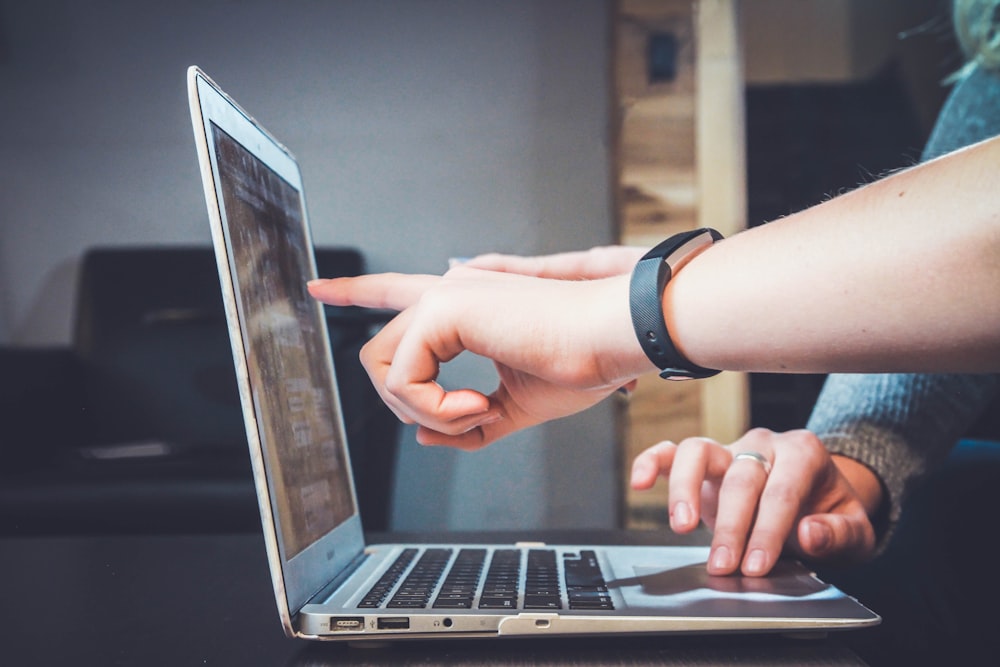
You're watching a video on TikTok, a Reel on Instagram, or a live stream on YouTube. Suddenly, it freezes. The image stops, quality drops to 240p, and frustration rises.
Your first instinct is to blame the app, or think your ISP (AT&T, Verizon, BT...) is down. But what if the truth was elsewhere?
Your ISP is not (always) the culprit.
Even with the best Fiber in the world, your social media experience can be ruined. Giants like TikTok or Instagram require an extremely stable connection, not just fast.
The culprits are often unknown issues: Packet Loss and unstable WiFi at home.
Our expert diagnostic will analyze your connection to detect packet loss. Find out if the problem comes from your ISP or your setup.
DIAGNOSE MY CONNECTIONTips to unblock TikTok, Instagram and YouTube
1. Packet Loss
It's as if your connection loses pieces of information along the way. Result: the video takes time to load. It is often linked to saturated WiFi.
2. The DNS problem
DNS are like the internet's phone book. If your ISP's are slow, your phone will take time to find the videos. Switching to faster DNS (like Cloudflare 1.1.1.1) can make a huge difference.
3. WiFi or Cable?
If possible, connect your computer directly to your router with an Ethernet cable to test. If everything becomes smooth again, the problem is clearly your home WiFi.
Our Personalized Report will explain how to test and optimize these settings to get smooth navigation back.